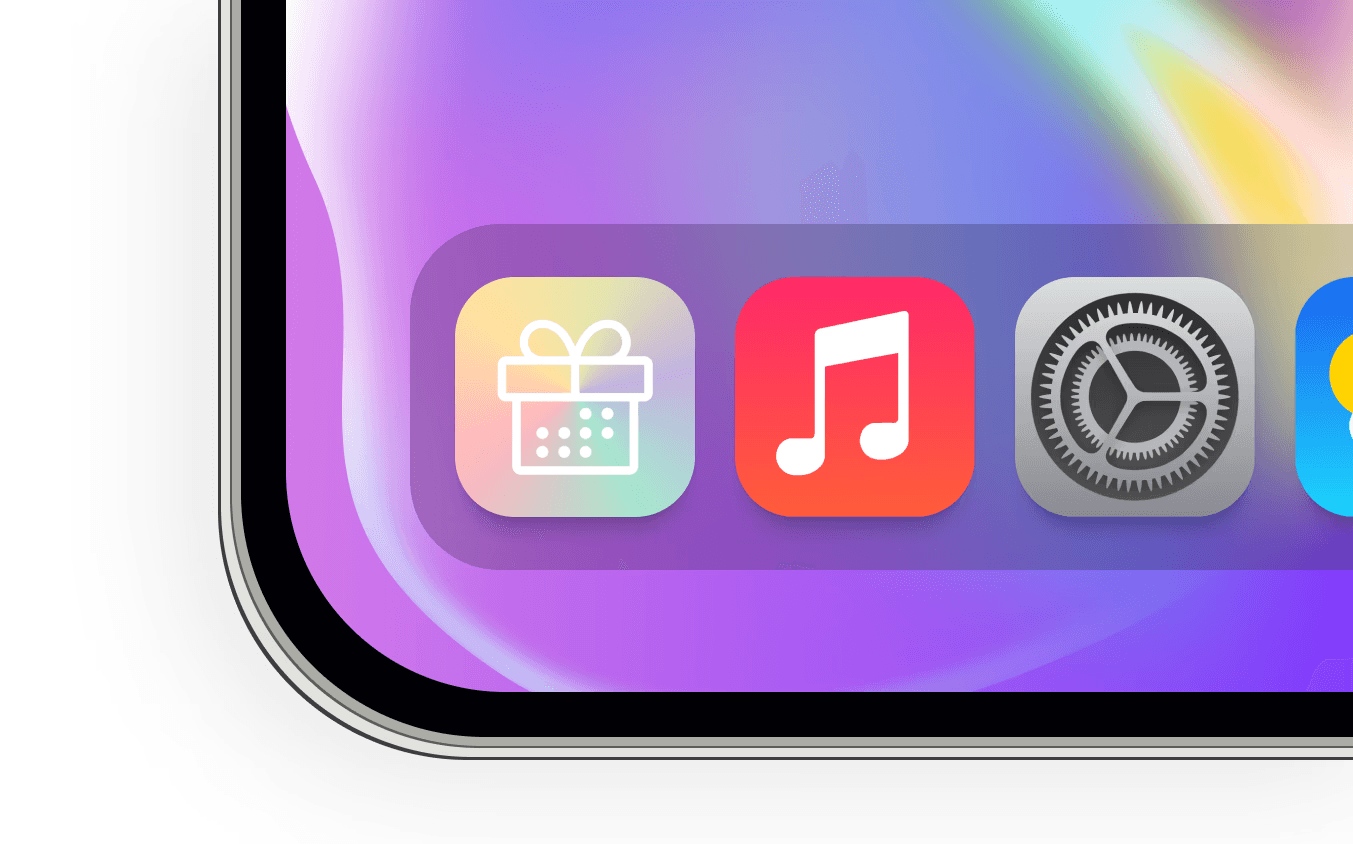
Hooray!
A centralized command center for birthday rewards. View rewards, redeem gifts, and sync birthdays with a shared social calendar. This project was a one month design sprint meant to expand my knowledge on the development side of product shipping.
The Opportunity & Impact
Every year, millions of dollars of birthday freebies go unredeemed. A utility-focused birthday app that condenses the birthday scavenger hunt into a single, intuitive dashboard.
The additional social layer automates the reminder process, allowing users to send birthday messages in one tap.
Role:
UI/UX Designer
Deliverables:
App UI (8+ pages), App Logo, Brand Identity, Back-end Database
USER FLOW
Initial user flow was created to maximize utility, then iterated to encourage long-term retention.


VISUAL IDENTITY
A visual identity that encouraged engagement and set the tone.
Starting with an app logo that combined the nature of "birthday" and "gifts", I created an identity that embraced a bright and energetic tone. A rainbow of brand colors became a motif to confetti, and the overall look made sure users understood the kind of welcoming and rewarding setting they were in when using the app.

DEVELOPMENT PROCESS
Making the app functional without a coding background.
01
Translating design to code.
Between the several existing AI design-to-code software, I decided on Gemini's AI Studio because of the simplicity it had with sharing the live, functional code. I iterated several versions to ensure it was pixel perfect to my design screens.
02
Understanding the full process using because "I don't know what I don't know."
It was necessary for me to create a non-developer, step-by-step outline of the actions needed to make this application testable. I set up Supabase to handle user log-ins, user sign ups, and session management. This is where I utilized Claude and Gemini to create in-depth and accurate prompts that I could send to my coding agent, which created a back-and-fourth system that allowed me to understand exactly what was missing from my knowledge.
03
Being able to test with real users.
The implications of this being a 1-month personal design sprint meant user research was intensive for a limited depth of use. As I iterated with a quicker AI-assisted workflow and working prototype, I got to encounter challenges (like figuring out how to isolate every user's unique data to their account) that told me more about the app's UX than design screens ever could.
04
Having a more educated hand-off process.
Dealing with the backend implementation process directly has made me a better partner to software engineers with a larger idea of their work and necessary processes. Understanding backend logic and database tables now helps me structure my design systems around developer ergonomics.
OUTCOME
Overall impact & results.
Solving for user retention.
Utilizing a social calendar, birthday wishes, and a friends list allowed me to tap into the intrinsic nature for people to share joy year-round.
Further considerations for retention.
Incorporating a native social-media post template/sticker can encourage users to continue engaging and participate in a wider trend of sharing.
Wider scope of understanding.
I started this project to target what I felt was my biggest curiosity: what happens when I hand-off my design files?
Now, I can reduce the amount of back-and-fourth that may happen simply from not knowing real-world constraints.